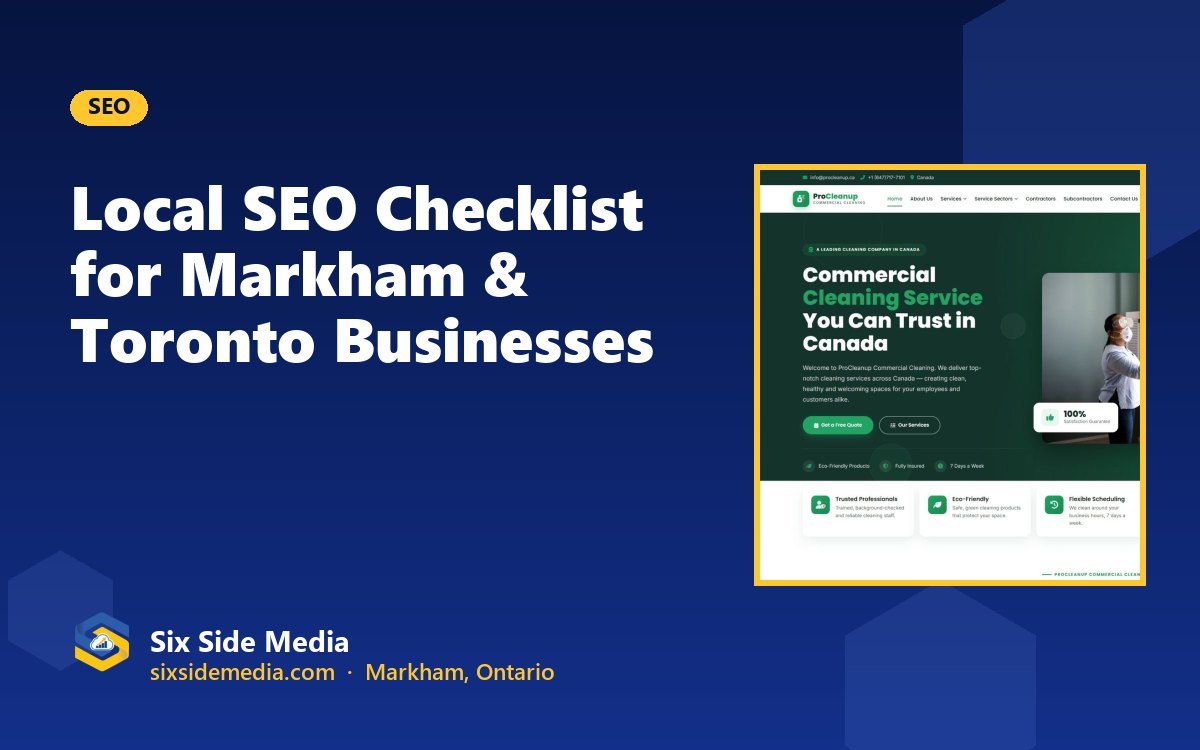
When someone in Markham, Scarborough or downtown Toronto searches for a service on their phone, Google shows a map with three local businesses first. Being in that group can bring a steady flow of calls. This checklist walks you through the steps to get there.
1. Claim and complete your Google Business Profile
Your Google Business Profile is the listing that appears on Google Maps and in the local "map pack". It is free, and it is the single most important local SEO step.
- Claim or create your profile at business.google.com and verify it.
- Choose the most accurate primary category (for example "Website designer" or "Thai restaurant"), then add secondary categories.
- Add your service areas, such as Markham, Richmond Hill, Scarborough and Toronto.
- Fill in hours, phone number, website link, services and a clear description.
- Upload real photos of your work, team, storefront or food. Add new photos regularly.
2. Keep your name, address and phone number consistent
Google compares your business details across the web. Use exactly the same business name, address and phone number on your website, Google profile, Facebook, Instagram, Yelp and directories. Small differences, like "Inc." on one site and not another, can create confusion.
Tip: put your name, phone number and service area in your website footer so it appears on every page.
3. Build service pages and location pages
Google ranks pages, not businesses. If you want to appear for "kitchen renovation Markham", you need a page about kitchen renovations that mentions the areas you serve.
- Create one page per main service, with a clear heading and useful detail.
- Mention the cities and neighbourhoods you serve naturally in the text.
- Add photos of real projects and short customer quotes.
- End every page with a clear way to call, message or book.
4. Make your website fast and mobile-friendly
Most local searches happen on phones. If your site is slow or hard to use on a small screen, visitors leave and Google notices.
- Compress large images and use modern formats like WebP.
- Make phone numbers tap-to-call and add a WhatsApp button.
- Use readable font sizes and buttons big enough to tap.
- Test your site with Google's free PageSpeed Insights tool.
5. Use the right keywords in the right places
Think about the words your customers type, not industry jargon. Then use them in:
- Page titles and meta descriptions (what shows in Google results)
- The main heading (H1) and subheadings
- Image descriptions (alt text)
- The first paragraph of each page
Don't stuff keywords. Write for people first; Google is good at understanding natural language.
6. Get more Google reviews and reply to them
Reviews influence both your ranking and whether people choose you. Ask happy customers for a review right after a job is done, and make it easy by sending your direct review link by text or WhatsApp. Reply to every review, good or bad, politely and quickly.
7. Add structured data to your website
Structured data (schema markup) is code that tells Google your business name, location, services, prices and FAQs in a format it understands. It can help your pages show richer results. Ask your web developer to add LocalBusiness, Service and FAQ schema.
8. Get listed in local directories
Listings on trusted Canadian and local sites help Google confirm your business is real. Start with Yelp, Yellow Pages Canada, Bing Places, Apple Business Connect, your local chamber of commerce and industry associations.
9. Publish helpful local content
Blog posts that answer real customer questions, like the one you're reading, help you rank for more searches and build trust. Write about common questions, local projects, seasonal tips and pricing guides.
10. Track your results
Set up Google Analytics and Google Search Console to see which searches bring visitors and which pages turn them into leads. Check your Google Business Profile insights for calls and direction requests each month.
Your quick local SEO checklist
- ☐ Google Business Profile claimed, verified and complete
- ☐ Same name, address and phone everywhere
- ☐ A page for each main service, mentioning your areas
- ☐ Fast, mobile-friendly website with tap-to-call
- ☐ Keywords in titles, headings and descriptions
- ☐ A plan to collect and reply to reviews
- ☐ Structured data added
- ☐ Listed in key directories
- ☐ Helpful content published regularly
- ☐ Analytics and Search Console set up
Frequently asked questions
What is local SEO?
Local SEO is the work of helping your business appear when people nearby search on Google, for example "web designer in Markham" or "dentist near me". It covers your Google Business Profile, your website, reviews and listings on other sites.
How long does local SEO take to work?
Some changes, like completing your Google Business Profile, can help within weeks. Ranking higher for competitive searches usually takes a few months of steady work on your website, content and reviews.
Do I need a website for local SEO?
Yes. Google uses your website to understand what you do and where you work. A fast, mobile-friendly website with clear service and location pages makes your Google Business Profile much stronger.
Can I do local SEO myself?
Many of the steps in this checklist you can do yourself. For keyword research, technical fixes and ongoing content, many businesses get help from an SEO provider so they can focus on running the business.
Six Side Media is a Markham-based team with 12+ years of experience helping businesses across Toronto and Canada grow online. Get a free consultation and a clear plan for your project.