
Before most people visit a restaurant, they look it up on their phone. They want to see the menu, the prices, the photos and how to get there, in seconds. Here are the 10 features every restaurant website needs to turn those searches into orders and full tables.
1. A mobile-friendly menu (not a PDF)
A PDF menu is hard to read on a phone and Google can't read it well. Build your menu as a real web page with clear categories, short descriptions, prices and photos of your best dishes. It loads faster, looks better and helps you appear for searches like "butter chicken Markham".
2. Online ordering without commission
Every order through a delivery app costs you a percentage. Online ordering on your own website lets regulars order pickup or delivery directly. Promote it on your receipts, takeout bags and social media to move repeat customers to your own channel.
3. Table reservations
Many people don't want to call. A simple reservation form or booking system lets guests book a table at any hour, even when your phone is busy during dinner service.
4. Click-to-call and WhatsApp buttons
Put your phone number at the top of every page and make it tap-to-call. A WhatsApp button is a great extra for catering requests and large orders, and it's how many of your customers prefer to message.
5. Google Map, hours and parking information
Embed a Google Map, list your opening hours clearly (including holidays) and mention parking or transit. These are some of the most common questions restaurants get by phone.
6. Great food photos
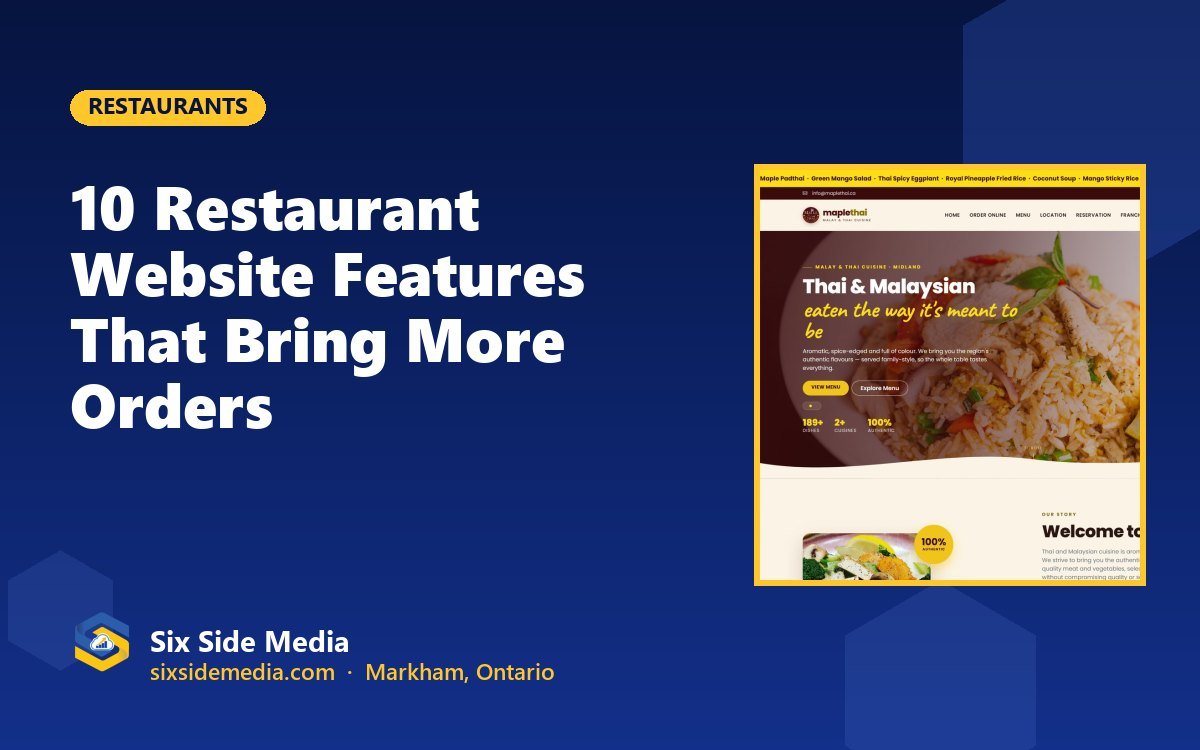
People eat with their eyes first. Use bright, real photos of your dishes and dining room rather than stock images. A gallery filtered by course, like the one we built for Maple Thai, makes browsing easy.
7. Catering and private events page
Catering and group bookings are often your most profitable orders. Give them their own page with packages, minimum orders and a quick enquiry form.
8. Specials, events and coupons
Show daily specials, live music nights or holiday menus with an event calendar, and reward online customers with coupon codes. This gives people a reason to come back to your site, and to your restaurant.
9. Basic SEO for local searches
Use your cuisine and location in your page titles and headings, like "Authentic Thai Restaurant in Midland". Link your website to your Google Business Profile and encourage happy guests to leave reviews. Read our local SEO checklist for step-by-step help.
10. Easy updates
Prices change and dishes come and go. Make sure you can update your menu, hours and photos yourself without calling a developer every time.
Real examples
Here are a few restaurant and food websites we've built:
- Maple Thai: online ordering, table reservations and a 16-category menu.
- Woodbine Diner: full menus, gallery, catering details and hours.
- Divine Cuisine: a 14-category catering menu with a cart and customer login.
See more on our restaurant websites page.
Frequently asked questions
Does a restaurant really need a website if it is on delivery apps?
Delivery apps are useful, but they charge commission on every order and you don't own the customer relationship. Your own website lets customers order or book directly, shows your full menu and story, and helps you appear on Google.
How much does a restaurant website cost?
Our restaurant-ready plans start at $14.99 CAD/month for a 5-page site. Online ordering, restaurant or booking apps are included from Advanced Plus at $29.99 CAD/month, plus a one-time $30 setup fee.
Can I update my menu myself?
Yes. With an admin panel (included from Starter Plus) you can update dishes, prices, photos and hours yourself whenever you need to.
Six Side Media is a Markham-based team with 12+ years of experience helping businesses across Toronto and Canada grow online. Get a free consultation and a clear plan for your project.